


Prescription service for the publicly insured

Did you receive a prescription for ViViRA? Upload it here—we’ll submit it to your public health insurance provider for free, and you can get started right away with the 7-Day Starter Program. It doesn’t matter if it’s a paper prescription or a printed e-prescription.
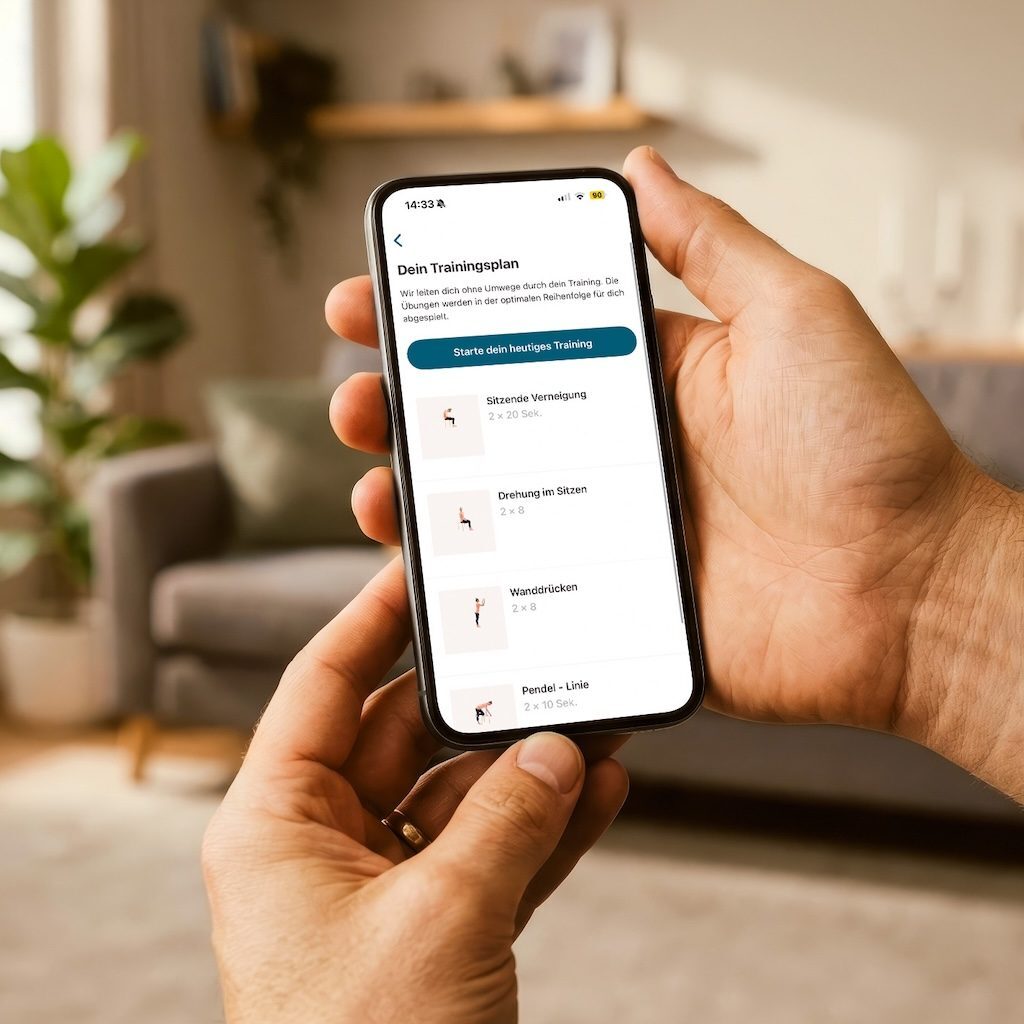
AdobeStock_1941120936_1024x1024

Send us your prescription

Upload an image (PNG, JPG, or PDF) of your pink prescription or e-prescription printout—make sure it’s high quality and has a high resolution. Maximum file size: 5 MB. We’ll then submit your prescription to your health insurance provider free of charge.

ViViRA

AdobeStock_1884229496_1024x1024
Nachweislich wirksam

We're here to support you –
from submission to app usage

Prescription submission made simple

Prescription submission made simple

We'll take care of forwarding your prescription for you. Your health insurance provider will then send you your activation code.

Start today

Start today

You'll have immediate access to the 7-Day Starter Program until you receive the activation code from your health insurance provider.

Personal Support

Personal Support

We're here to help you get the most out of the app and answer any questions you may have at any time.

No wait time

No wait time

You don't have to wait for the 16-digit activation code from your health insurance provider to arrive! Just install the app, sign up, and get started right away with the free 7-day starter training.

Fahren Sie mit der Maus über eine Karte oder tippen Sie sie an, um sie umzudrehen.

Im Vergleich

E-Prescription for ViViRA – everything you need to know

Starting in 2026, digital health applications (DiGA) such as ViViRA can also be prescribed electronically as e-prescriptions.

You have two ways to redeem your DiGA e-prescription:

Printout via our prescription service

  • In the practice, you can ask for a printout of your e-prescription.. 
  • Your benefit: You upload a photo of the printout to our prescription service. We'll handle forwarding it to your health insurance provider for you and assist you with any other questions you may have.
FAQ

Frequently Asked Questions about the prescription service

I received an e-prescription. Will my health insurance company process it automatically?

No, even an e-prescription must first be forwarded to your health insurance provider. Just use our free prescription service, and together we can find the best solution for you.

Where can I find my digital e-prescription for ViViRA?

If you’ve already activated access to your e-prescriptions in your health insurance app or the gematik e-prescription app, you should see the prescription in the e-prescription section. If you haven’t activated access yet, you can contact your health insurance provider. Just use our free prescription service, and we can work together to find the best solution for you.

How do I get the activation code?

We've summarized all the information on how to request your activation code and redeem it in the ViViRA app on our main FAQ page, in the “Activation Code and Activation” section.

I have private health insurance—can I use this service?

This service is intended for those with public health insurance. If you have private health insurance, you’ll first need to purchase the ViViRA app out-of-pocket from the App Store. You can then submit the invoice along with your private prescription to your insurance provider for reimbursement, as usual.

I can't upload my recipe. What should I do now?

Make sure the image is high quality and no larger than 5 MB (in PNG, JPG, or PDF format). If you're still having trouble, leave the window open and just give us a quick call!

Do you have more questions or need assistance?

No worries! We're here to help!
Mo–Fr 9:00 am - 6:00 pm)
📞 030 814 53 6868